

Upcoming Events
Our events are built around two things: professional development and genuine connection. Through seminars, interactive workshops, tabletop shows, and owner forums, members gain industry insight while building the relationships that make SoCal ERA more than just a membership — it's a community.
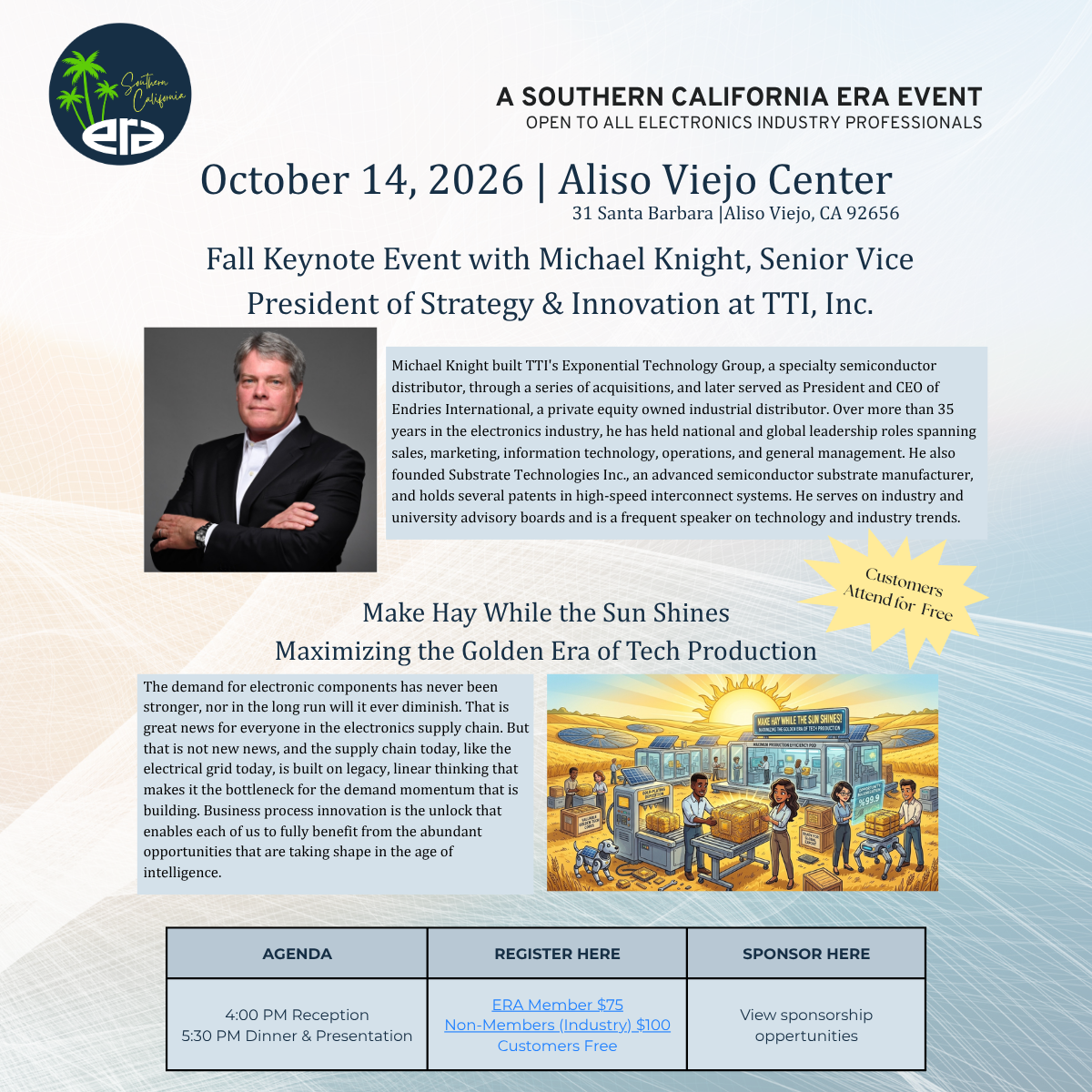
Make Hay While the Sun Shines
Maximizing the Golden Era of Tech Production
A Presentation by Michael Knight, SVP of Strategy and Innovation at TTI, Inc.
📅 Date: Wednesday, October 14
⏰ Time: 4:00 - 8:30 PM | Reception at 4:00 PM | Presentation and Dinner at 5:30 PM
📍 Location: 31 Santa Barbara | Aliso Viejo, CA 92656 (next to the Aliso Viejo Country Club)
Join the Southern California electronics community for an evening with Michael Knight, SVP of Strategy and Innovation at TTI, Inc., discussing the future state of the electronics industry. This event includes a welcome reception, dinner, and Michael’s presentation. All electronics professionals are welcome.
Bring a customer; they attend for free. Register today.
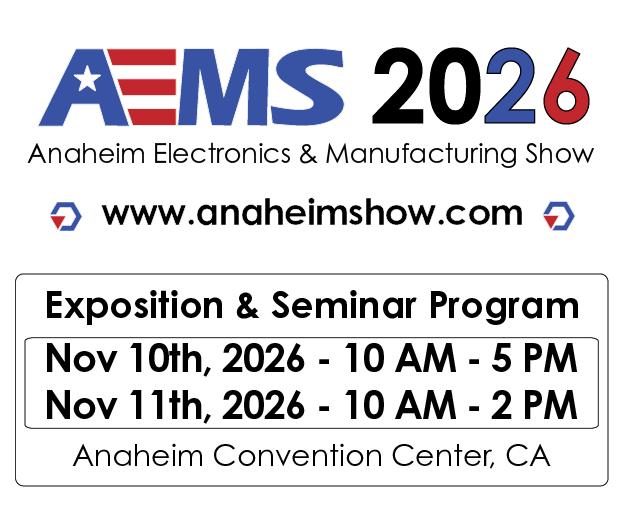
Anaheim Electronics & Manufacturing Show
📅 Date: November 10-11, 2026
⏰ Time: 10:00 AM - 5:00 PM | 10:00 AM - 2:00 PM
📍 Location: Anaheim Convention Center
Southern California ERA is exhibiting at the Anaheim Electronics & Manufacturing Show, and we would love to see you there. Stop by Booth #416 to say hello and learn how the ERA connects electronics professionals across the region.
We look forward to catching up with familiar faces and meeting new ones.
Microsoft 365 Training
Channels that Sell: Files & Collaboration in Teams
October 13, 2026 | 9:00 AM PT/11:00 AM CT
Description: Structure account channels (General, Opportunities, Tech, Marketing), pin tabs (Planner, OneNote, SharePoint), and standardize “where work lives” for reps and partners. (Uses Teams platform conventions—no citation required)
Learning outcomes:
Design an account channel template and pin the right tools.
Use posts vs. chats intentionally to keep decisions visible.
Establish simple conventions for naming and versioning collateral.
Research Like a Pro: Microsoft Edge Collections & Screenshot
November 3, 2026 | 9:00 AM PT/11:00 AM CT
Description: Track competitive intel with Edge Collections and capture annotated screenshots of pages/spec sheets to share back with the team. (Web Capture is now “Screenshot” and supports inking & visual search.)
Learning outcomes:
Build Collections per product/competitor and sync across devices.
Use Screenshot (Ctrl+Shift+S) for full‑page and area captures with markup.
Share Collections or paste captures into OneNote/Teams.
Weekly Sales Huddles: Excel Dashboards that Tell a Story
December 8, 2026 | 9:00 AM PT/11:00 AM CT
Description: Build simple pipeline charts, win‑rate visuals, and rep scorecards from a clean, refreshable table—no heavy BI required. (General Excel usage; Power Query covered in Topic 6)
Learning outcomes:
Create pivot tables/charts from a “single source of truth.”
Add slicers (product, territory, stage) for interactive views.
Save/share to Teams and refresh weekly.
Everyday Copilot: Draft, Summarize, and Prep Faster
January 5, 2027 | 9:00 AM PT/11:00 AM CT
Description: Use Copilot in Outlook and Teams to draft prospect emails, summarize meeting recordings/threads, and prepare talking points—without losing your voice.
Learning outcomes:
Draft and refine emails with your tone and structure.
Summarize meeting recordings and produce action lists.
Adopt responsible‑use habits (verify facts, keep context current).
Never Forget to Follow Up Again (Without a Complicated System)
February 9, 2027 | 9:00 AM PT/11:00 AM CT
Description: Stop letting important conversations slip through the cracks. In this practical session, you'll learn a simple, low-maintenance follow-up system that helps you stay organized, remember next steps, and keep opportunities moving forward—without relying on a complicated CRM or elaborate workflow.
Learning outcomes:
Flag + reminder system that actually works
Calendar as a follow-up tool (not just meetings)
A simple “if they don’t reply…” manual system
Join today & start enjoying the benefits of being an ERA Member!!!
